Quiz Builder & Converter
Your quiz, ready for Canvas
Build one from scratch, or convert a quiz you already have into a clean version you can edit and import into Canvas.
Free. Runs in your browser, no sign-in required.
Open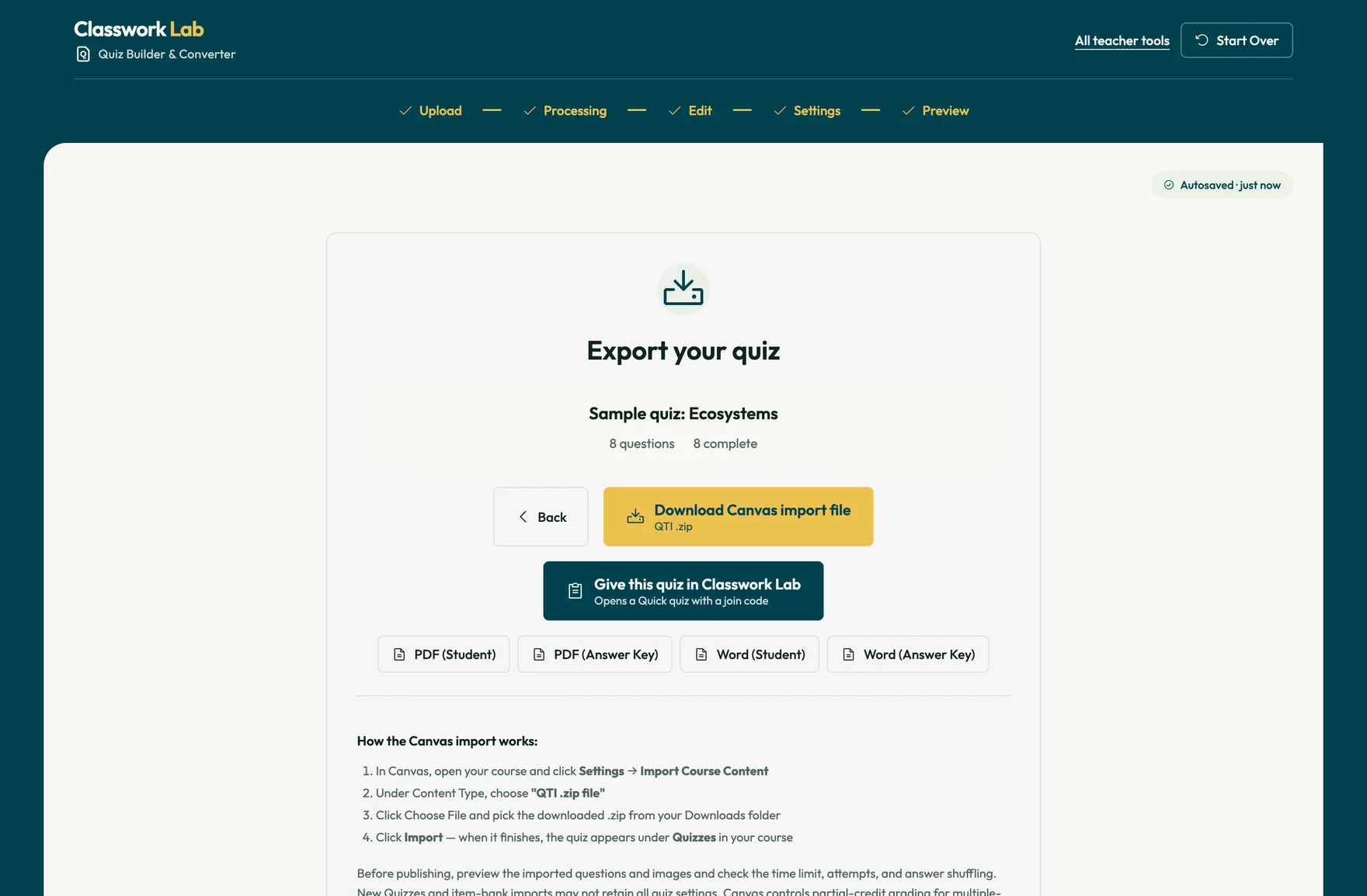
By a teacher, for teachers. Quizzes, process-based assignments and tools that save teachers time.
Quiz Builder & Converter
Build one from scratch, or convert a quiz you already have into a clean version you can edit and import into Canvas.
Free. Runs in your browser, no sign-in required.
OpenAssessments & Feedback
Students join with a code and take the quiz in their browser. Leaving full screen shows up in your dashboard while they work. Optionally, students can be locked out of the exam when they navigate to a different window.
Open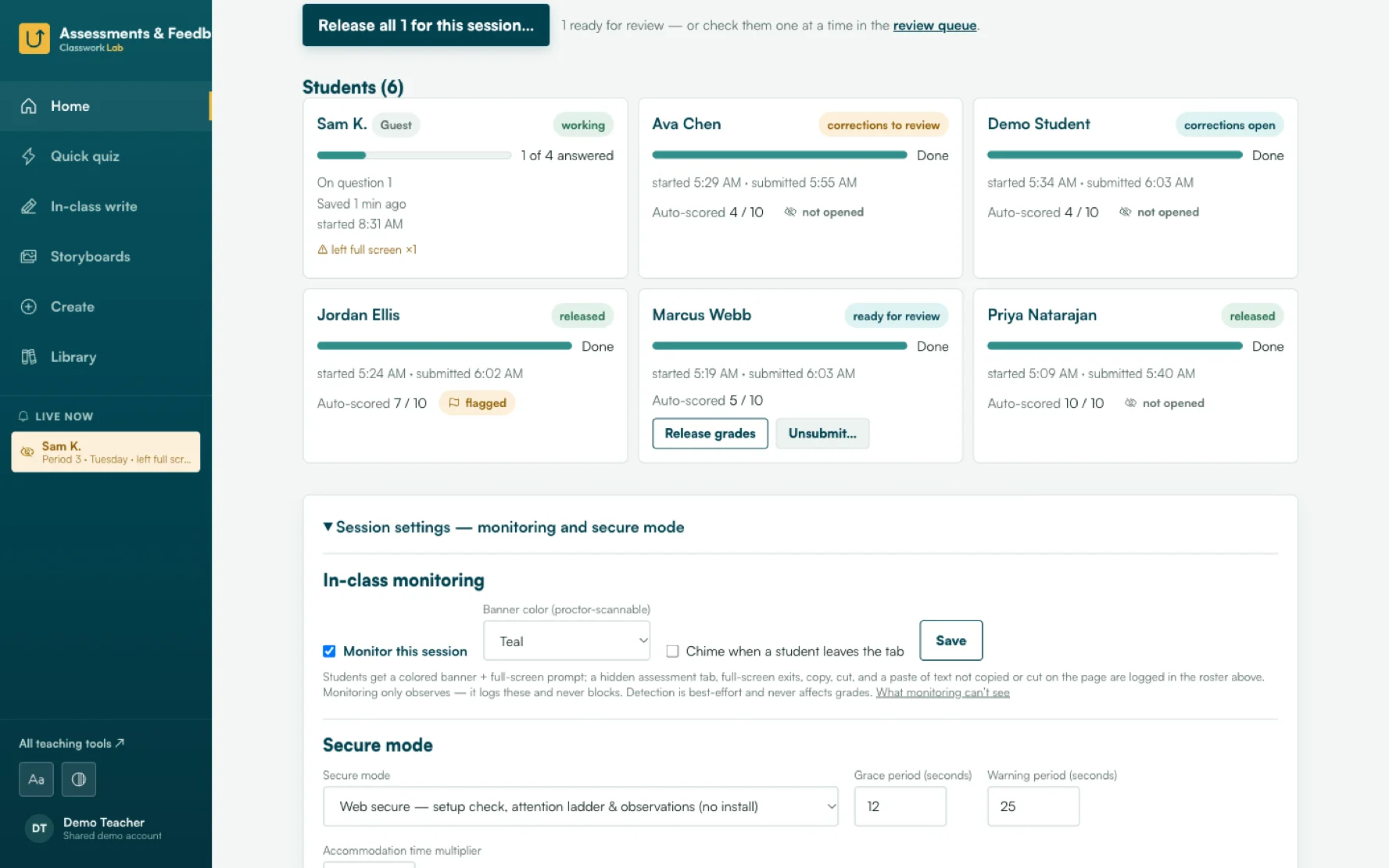
Storyboards
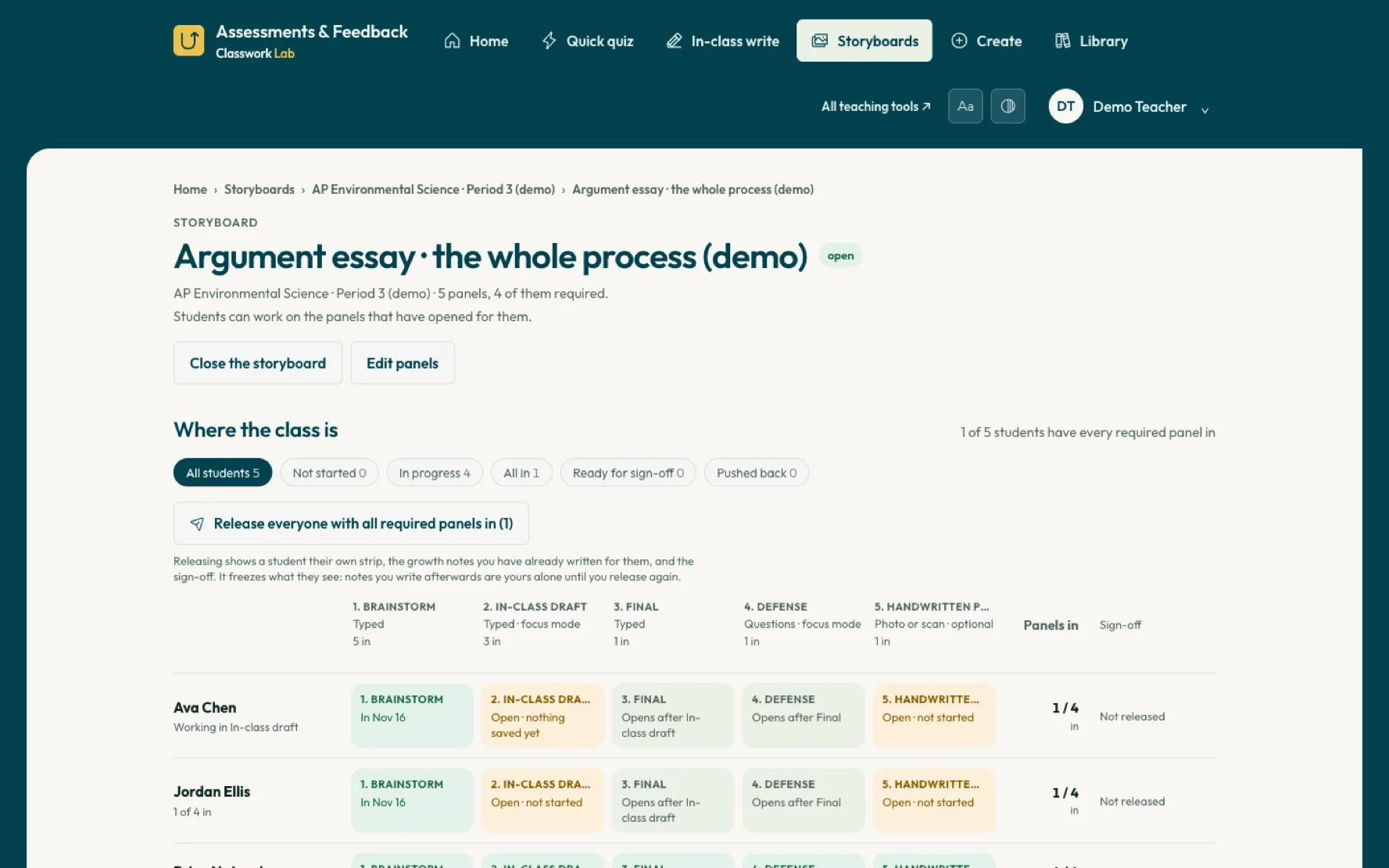
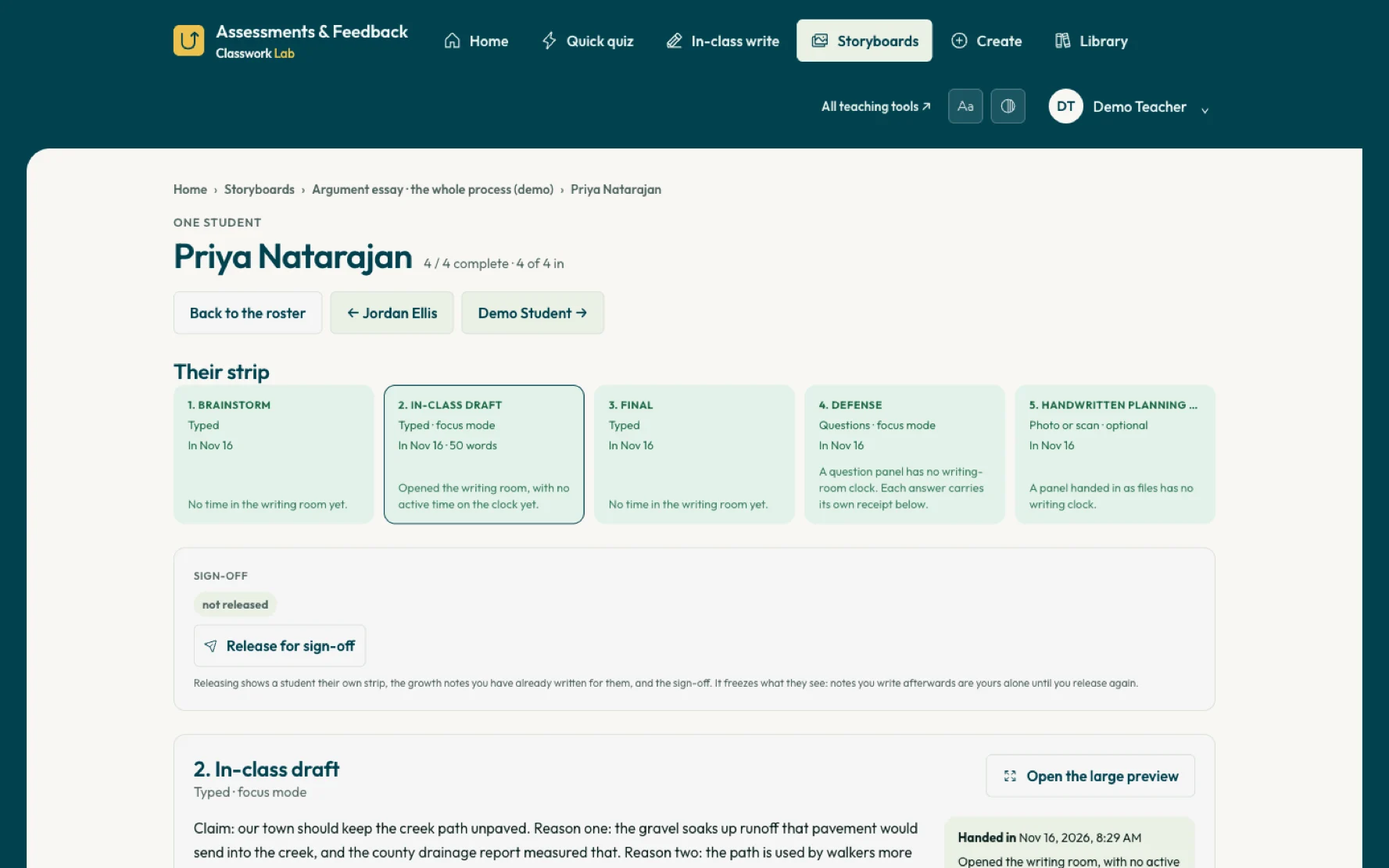
Made for the age of AI: students turn in their work in stages, so you can follow their process and not only the finished product.
In development.
Build a quiz from scratch, or convert one you already have into a clean version you can edit and easily import into Canvas.
Bring in a quiz you already have, or start a new one, and review the questions. For Canvas, you download a file and import it into your course. You can also download a Word or PDF copy to print, or hand the finished quiz straight to an online quiz session below. Students take the quiz wherever you post it.
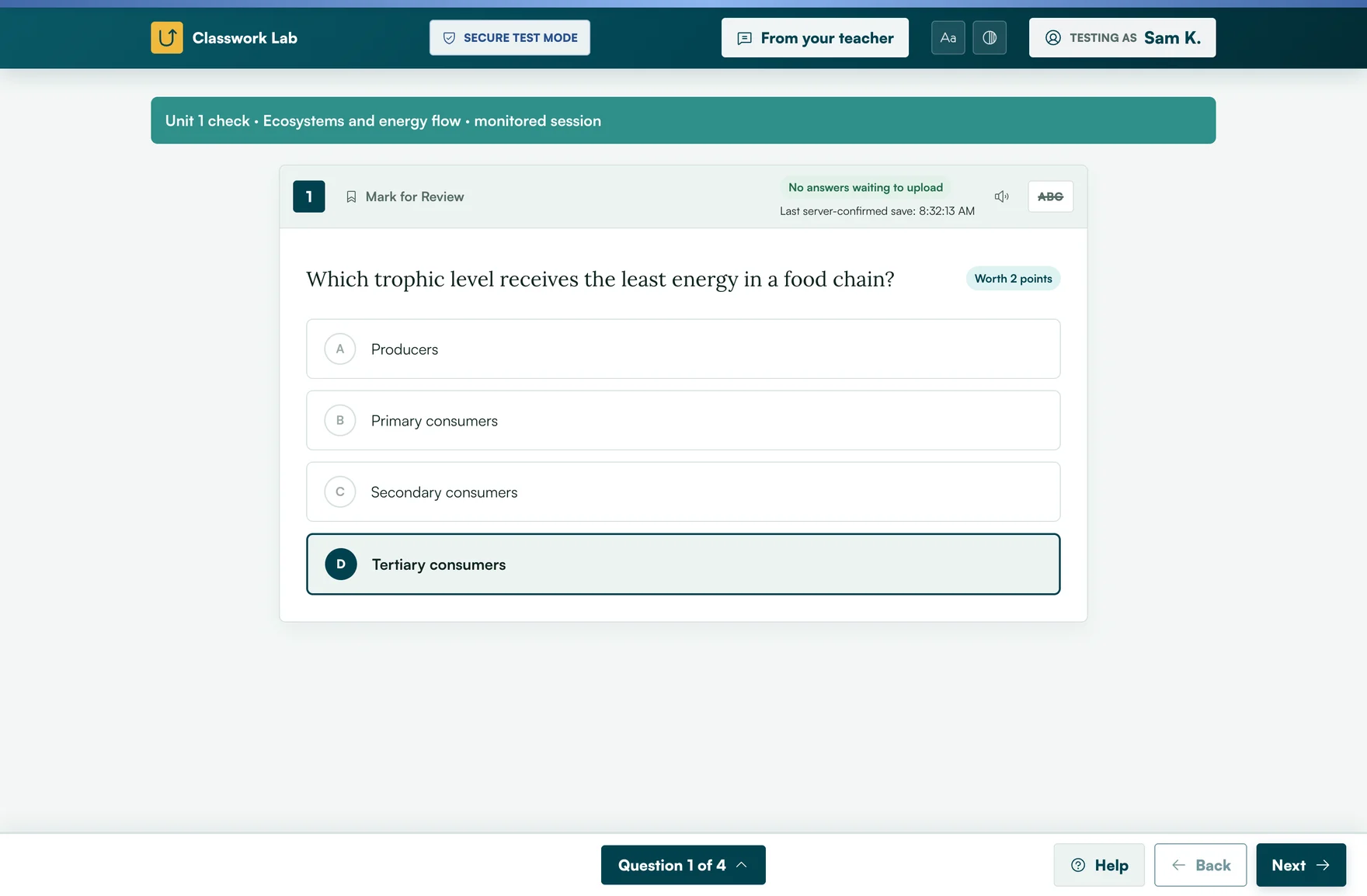
Students join with a code and take the quiz in their browser. Great for reading quizzes, exit slips, and other quick assessments where the teacher is in the room.
Write the questions here, or hand over a quiz from the quiz builder above. This is built for lower-stakes quizzes that you proctor in person. A locked-down mode for higher-stakes tests is in progress. Share a join code: students go to classworklab.com/join and type it in, with no accounts. With the optional lockdown on, the quiz stays full screen, and a student who leaves the quiz window gets a short warning, then waits for you to unlock them.
Students write in their browser during class, and you read their work and send feedback in one place.
Paste your prompt, add any sources students read beside it and a word count if you want one, and start. Students join with the code and write on a clean page; their work saves as they go. You watch the class’s progress live from the session page and can download the essays as Word files.
Paste in a lesson to see whether it holds up against AI tools like ChatGPT.
Paste a lesson plan, assignment idea or draft activity, up to 5,000 characters. You get a score, feedback on what is strong and what is easy to hand to AI, and a rewritten version built on the Assignment Design System.
Smaller tools for teachers and school tech teams.
Anonymize student data in a spreadsheet, so you can build with AI tools without sharing anything that identifies a student.
Drop in a spreadsheet and choose what happens to each column: fake names, codes like S014, or removed. Download a copy with no real students in it, or make sample data with the same columns. Save a key if you want to turn the codes back into names later.
Reads a Google Doc’s own revision history and reports the writing sessions, the time spent, the pacing, and any large insertions.
A Chrome extension. Open a doc you can edit, click the icon, and it reads the same version history the doc’s File menu shows, then builds a report you can print. Teachers use it on work they’ve been handed; a student can run it on their own doc to see how their draft came together, since they already have edit access to it. Every finding is split into what was observed and a hedged reading of it, so a measurement is never mistaken for a verdict.
Want a look before they arrive? See the tools in action with sample data — nothing to install or sign into.
Students turn in their work in stages, panel by panel, so you can follow their thinking and not only the finished product.
Students work on the sites you choose. You can keep them on those sites, require full screen, and see when students left full screen in the session report.
Drafts a score and feedback in Canvas SpeedGrader for you to review and edit before anything reaches students.
Tools are free. The Canvas Grading Assistant, when it arrives, uses your own Anthropic API key, and Anthropic bills that AI use to you.